










FAQ About UOB TMRW
I am new to UOB TMRW. How do I apply for the account?

Download the UOB TMRW app and tap "Sign up" to register for a new account.
My account just got approved. How do I login?
Here is how you do it:
- Open your UOB TMRW App, enter your mobile number and tap "Sign in".
- Enter the One-Time Password (OTP) sent to your registered mobile number.
- You will then see an on-screen message that your account is approved.
- Tap "Sign in" and proceed to login with your username and password.
How do I change my promo code?
Before you submit your application for a TMRW Account, you may change your promo code at the “Final check of your application details” page.
How do I make my bill payments?
Log in to UOB TMRW and tap "Top up & bills" on your Dashboard.
Go to "Biller Categories" or search the biller name you want to pay.
Check the "Add to Favourites" option if you want the details to be saved for your future transfers and swipe to confirm. You can also set recurring payment to your prepaid billers.
Make TMRW yours.
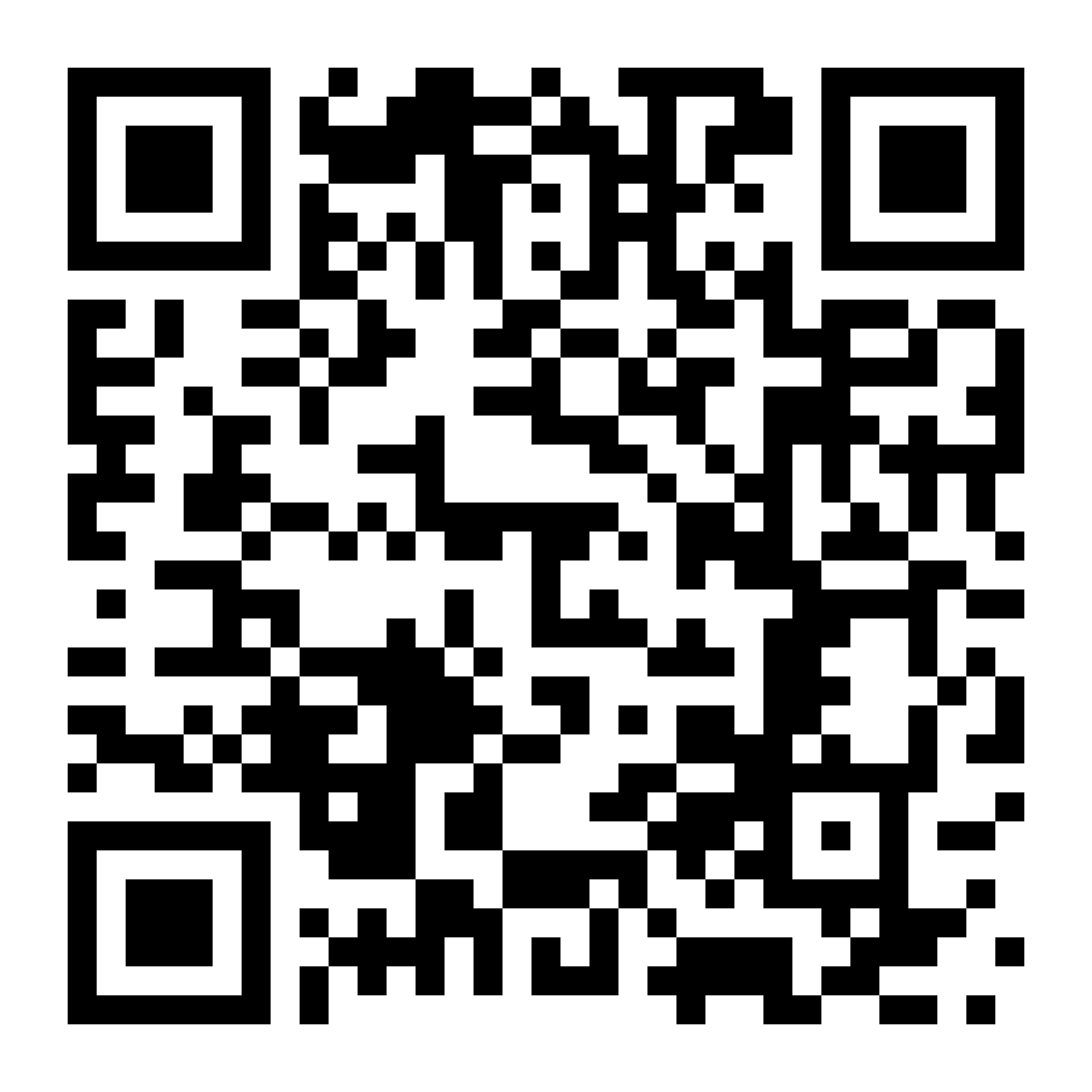
Download now.
Download now.



We use cookies to improve and customise your browsing experience. You are deemed to have consented to our cookies policy if you continue browsing our site.

